
On this page
Bath, drive and vacuum-controller readings
On a rotary evaporator the bath display, a separate vacuum controller and a chiller can each have their own asset number. If a job sheet says ‘40 °C’, tell us whether that figure belongs to the bath or to another sensor. For a drive-speed check, include the normal rpm. That gives purchasing a way to specify each reading without putting every result against the bath tag.
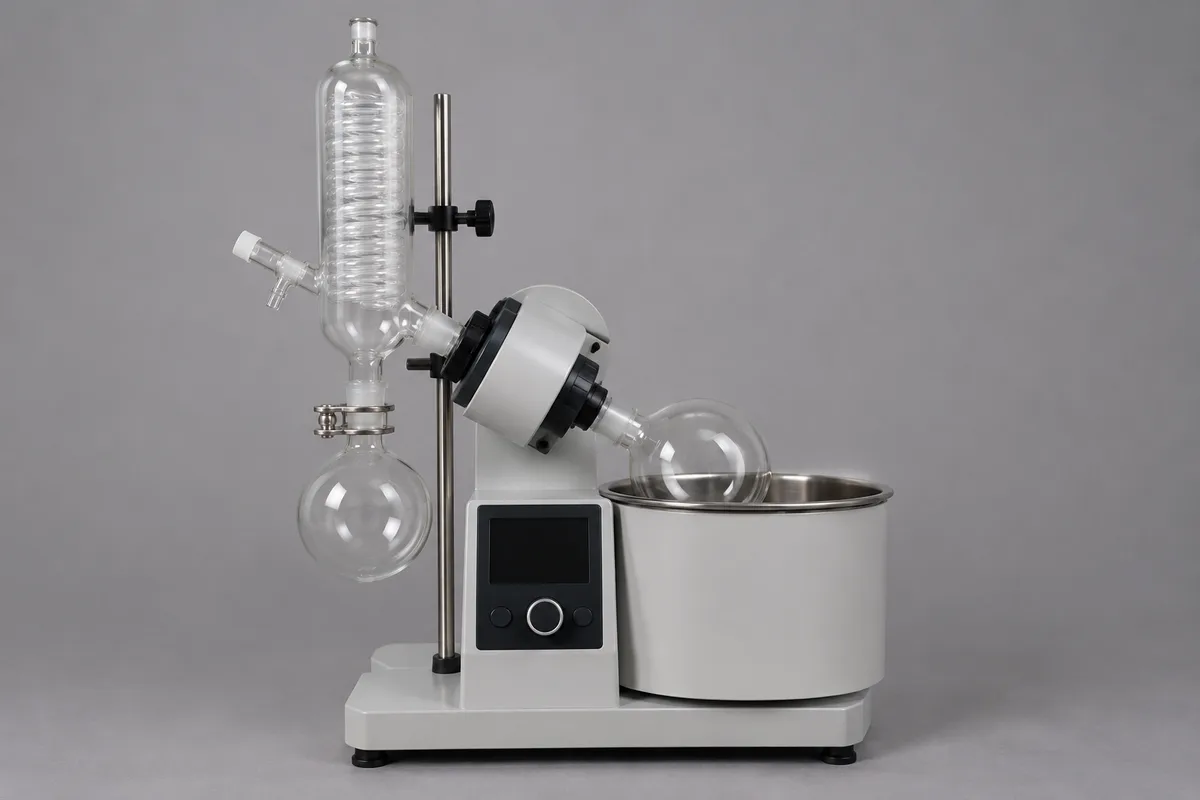
Evaporator bath, vacuum and rotation
Give separate requirements for temperature, pressure and speed where those quantities matter. A setpoint on one component should not be treated as the measured condition throughout the apparatus. The enquiry needs the complete configuration, while each requested instrument result should remain identifiable in the report.
Specifications and service checks
A rotating evaporator can show a bath temperature, a vapour temperature and a rotation speed on different controls. If a run sheet records only “60”, first establish whether that means °C or rpm and which display was read. Quote the corresponding sensor or drive.
- Range and configuration
- BÜCHI specifies a 20–280 rpm rotation range for its R-100. The bath, if included in the order, has a separate temperature range and sensor location.
- Manufacturers and models
- BÜCHI’s Rotavapor R-100 and Kjel Line illustrate rotary evaporation and steam-distillation equipment.
- What we check
- Compare the indicated channel with an independent reference. Specify the temperature measuring position or the particular drive being checked, with the fitted accessories identified.
- Reference equipment and accuracy
- Use a calibrated thermometer for a thermal channel, a suitable speed reference for rotation, or a calibrated time reference for the timer. Choose each for the working span.
- When to repeat the check
- Review affected readings after a heater, drive or sensor change. A spare bath or drive can have its own service history.
Technical references BÜCHI Kjel Line instruments · BÜCHI Rotavapor R-100 manual