
On this page
The indicator alone or its paired sensor?
Supply the indicator and sensor serial numbers or the electrical input range if only the indicator needs checking. List the units, active channel, direction and working points. Identify any output to the control system that also needs comparison.
A readout that moves between benches may store settings for two torque cells. Record the active sensor number with each reading and label the pairing returned to each bench. That gives you a record to compare if a different setting is selected later.
Specifications and service checks
A readout can show torque in N·m while a PLC receives a scaled voltage. Give the displayed and transmitted values at the same load when a discrepancy appears only in the plant record. This separates the indication from the output scaling.
- Range and configuration
- A readout marked in N·m can be configured for transducers of different capacities. The display span follows the stored sensor factor.
- Manufacturers and models
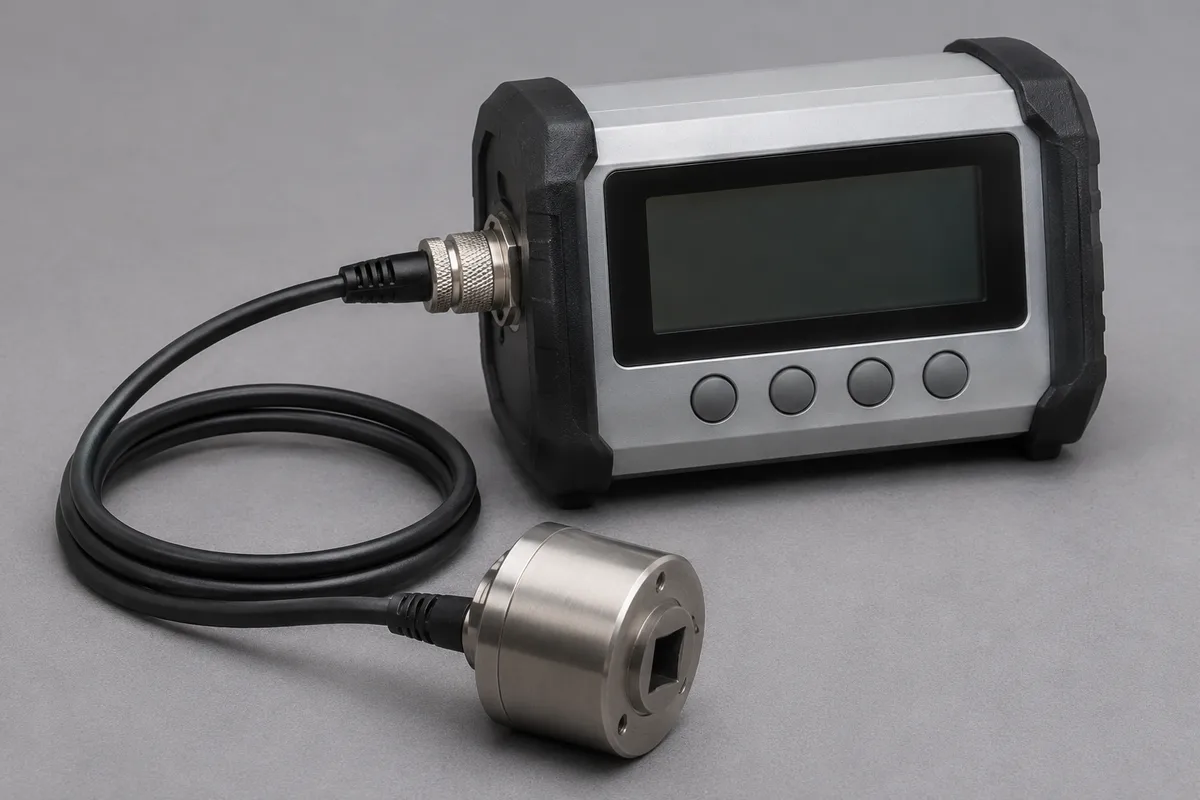
- The Norbar T-Box 2 accepts transducers through analogue input modules.
- What we check
- Compare the input and indicated value electrically if the indicator is submitted alone. For torque in N·m, check the paired transducer and readout with known applied torque.
- Reference equipment and accuracy
- Use a calibrated bridge simulator for a compatible strain-gauge input, or a torque reference for the assembled chain. Record which quantity the certificate covers.
- When to repeat the check
- Check a reprogrammed indicator before pairing it with a working transducer. Keep each sensor configuration against the instrument ID.
Technical references Norbar T-Box 2 manuals and software