
On this page
Scaling the indicator input
Provide the indicator input, zero and full-scale values and the unit on the operator screen. For a simulated-input check, identify any tank table or linearisation active in the indicator. For an installed level result, include the sensing element and vessel datum.
Level indicators in control panels
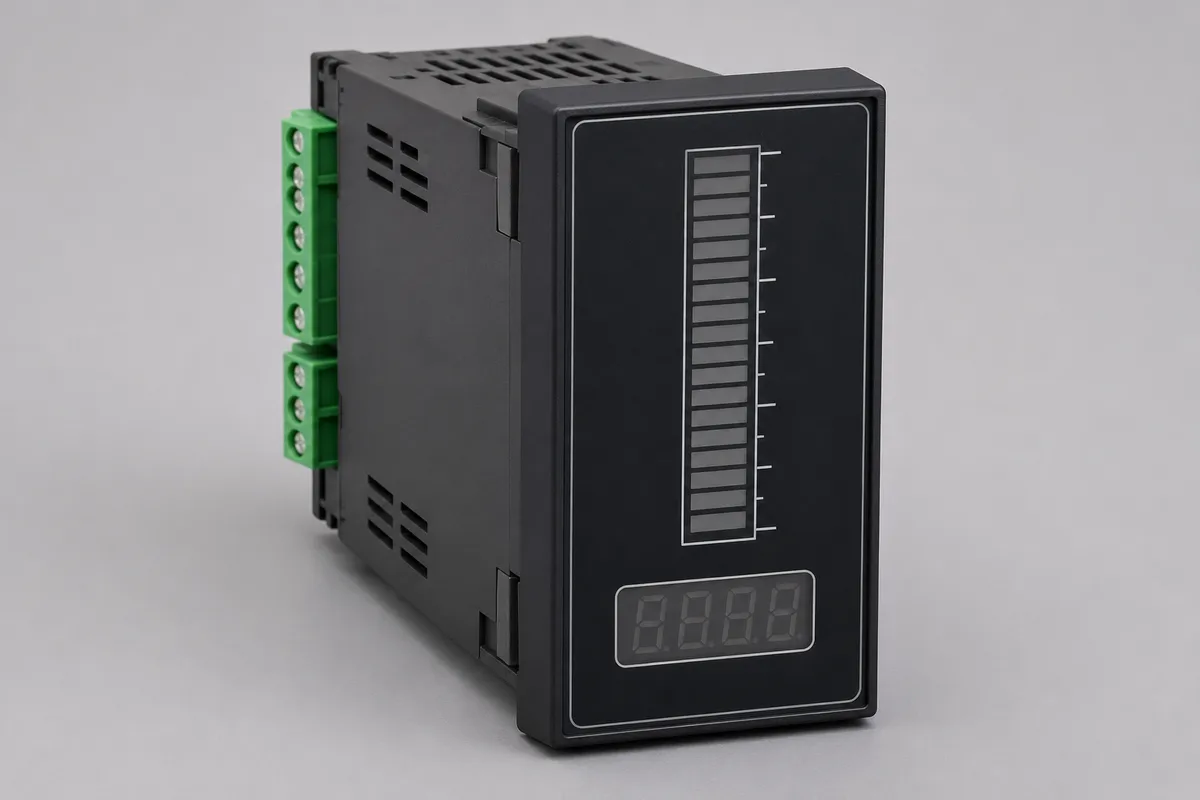
Give the lower and upper values in its configuration and identify the signal source. If the panel also displays litres, include the vessel’s conversion table and revision. An electrical scaling check, a comparison with actual liquid height and verification of the vessel table are three distinct requests.
Specifications and service checks
For a sight display graduated in litres, equally spaced level changes need not represent equal volume changes on a horizontal cylindrical tank. Identify the vessel calibration chart used for the marks. A height check alone cannot verify every indicated litre value.
- Range and configuration
- List the engineering units and what 4 and 20 mA represent. A nonlinear tank-volume scale may give a different midscale result from a linear height scale.
- Manufacturers and models
- VEGA VEGADIS 82 is an external 4–20 mA/HART display. A signal-driven display and a sight indication require different comparisons.
- What we check
- Simulate the configured signal and compare the displayed values. If the sensor is included, compare the complete reading at independently established levels.
- Reference equipment and accuracy
- Use a calibrated loop source for the display or a calibrated level reference for the full assembly.
- When to repeat the check
- Recheck after editing a tank table, scale or display input mode.
Technical references Operating Instructions - VEGADIS 82 - 4 … 20 mA/HART