
On this page
Matching readings to input channels
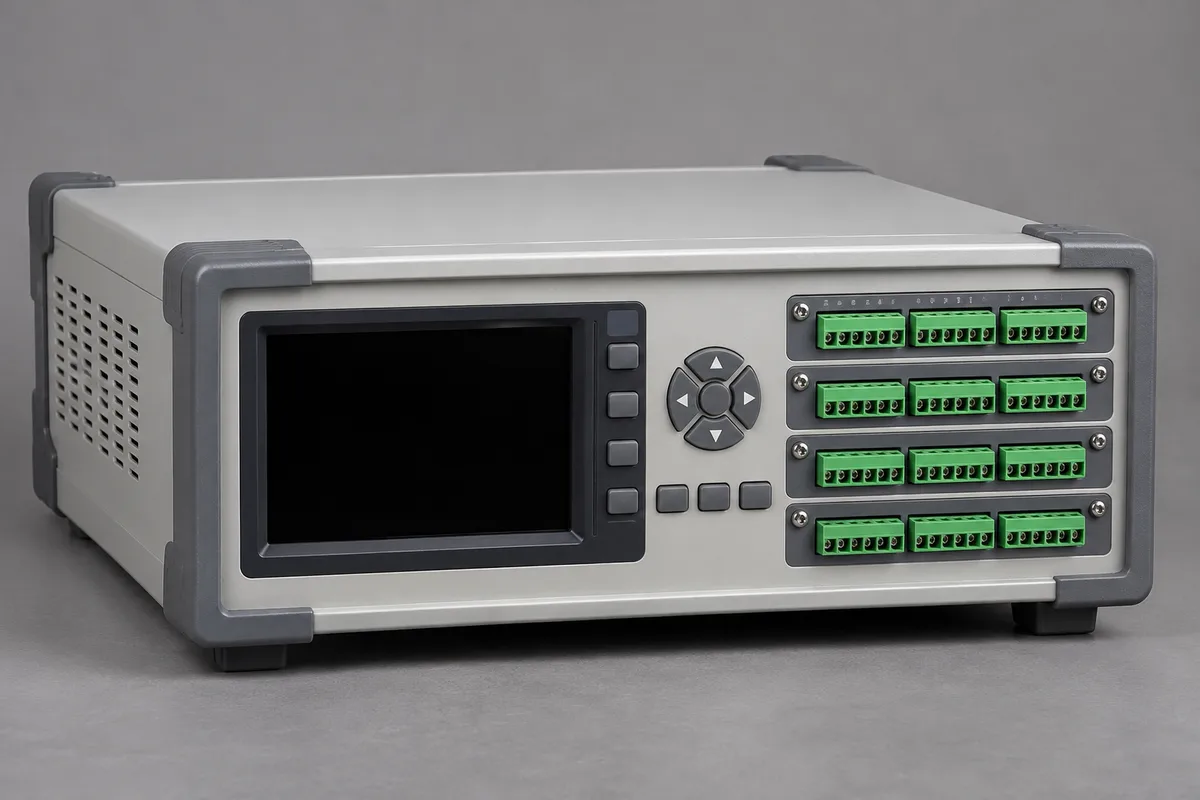
Send the channel list as it appears on the display or in the exported file. If only certain channels are used for product release, identify them explicitly. A channel-by-channel result lets maintenance replace or reassign one input without losing the traceability of the rest.
A scanned input can still appear in an exported file under a previous sensor name after a wiring change. Before calibration, reconcile the terminal number, configured input type and exported column label. Retaining all three makes it possible to correct a record without renumbering the equipment.
Specifications and service checks
If one channel disagrees with the others, identify its input number, fitted probe and scan interval. On a sequential scanner the channel readings may come from different instants. That matters when the load temperature was changing during the scan.
- Range and configuration
- The input card determines which thermocouples, resistance sensors or voltage ranges a channel accepts. One instrument can have several different channel configurations.
- Manufacturers and models
- Keysight’s DAQ970A and Yokogawa’s GX-series recorders are examples of configurable multichannel equipment.
- What we check
- Apply a reference to each input included in the job, then compare the value under the correct channel identifier at the readout or in the exported file. Channels can use different sensor types.
- Reference equipment and accuracy
- Use a calibrated resistance or thermocouple source for the recorder and a reference thermometer for the assembled probe. For thermocouples include the reference junction.
- When to repeat the check
- Keep recall records by channel. When an input card or probe is replaced, revisit the affected channels and any correction stored against them.
Technical references Keysight DAQ970A and DAQ973A manual · Yokogawa GX and GP recorder manual