
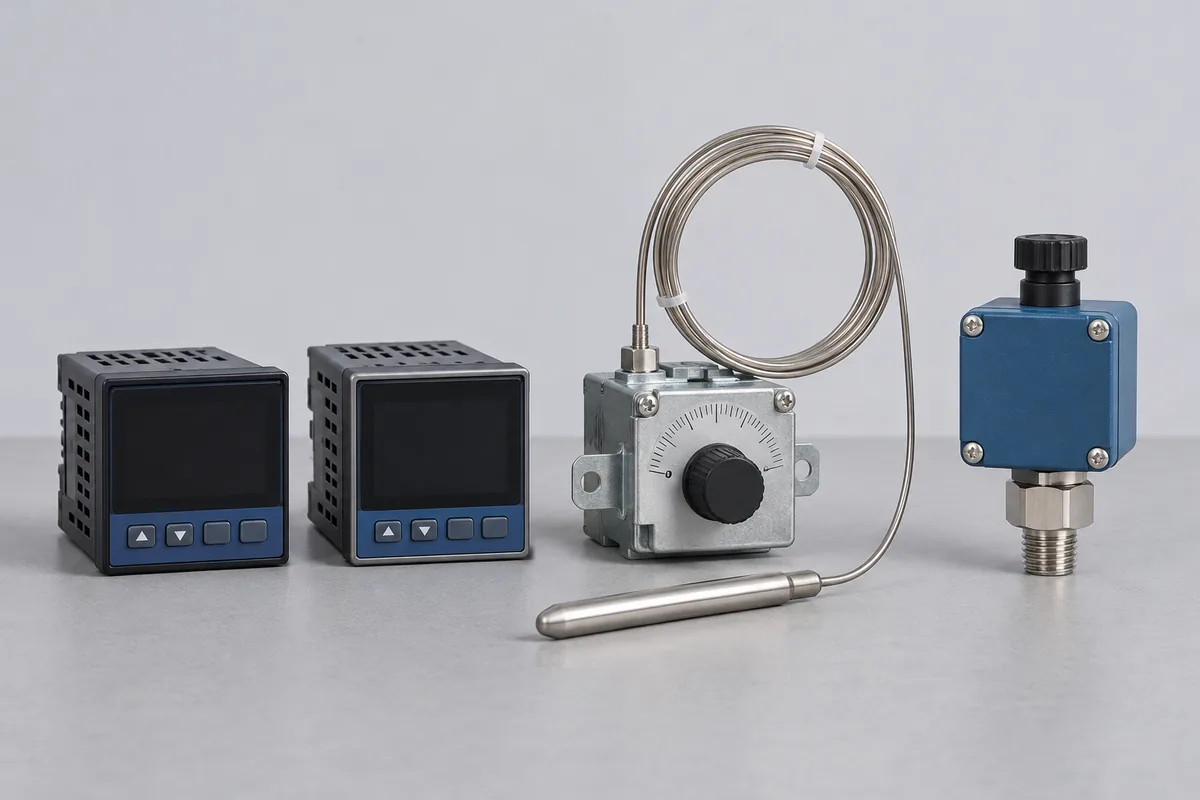
Record the input configuration
Give the input selected in the controller, not just the sensors that model can accept. For a resistance input, include the wiring arrangement; for a thermocouple input, identify the type. Note the display units, decimal places and the temperatures used in your process.
Thermocouple and Pt100 input simulation
CC-4643 includes electrical temperature-source simulation for permanent-facility and site work. The listed ranges include −200 to 1,370 °C for a Type K thermocouple input and −200 to 800 °C for a Pt100 input. Other thermocouple types have their own entries and limits in the annexure.
For an indicator or controller input check, these are simulated electrical signals applied to the configured input. Record the selected sensor type, lead arrangement, reference-junction setting where applicable, and the display points needed by the process. Identify a physical probe separately if the order also requires measurements with that probe connected.
Display check or control action?
If you only need the displayed value checked, say so. If your procedure also records a switching point, alarm or analogue output, list that as another result. An indication check by itself cannot show how uniformly an oven heats its load.
What a simulator result covers
A heating controller may show a steady 180 °C even though an independent probe in the chamber reads a different temperature. A bench comparison with a simulated input addresses the signal shown by the controller. A survey inside the chamber has to account for the sensor, its position and conditions in the chamber itself. Identify which question prompted the booking.
For a controller storing several recipes, record which input, engineering unit and display resolution apply to the recipe in use. Keep the current configuration with the job sheet so the maintenance team can check it when the unit returns.
Coordinate access to the panel
For an installed panel in IMT Faridabad, identify the equipment owner and the release window. Let RTS assess whether the required work belongs at the machine or on a removable controller before arranging travel.