
On this page
Cuffs, pressure indication and simulator checks
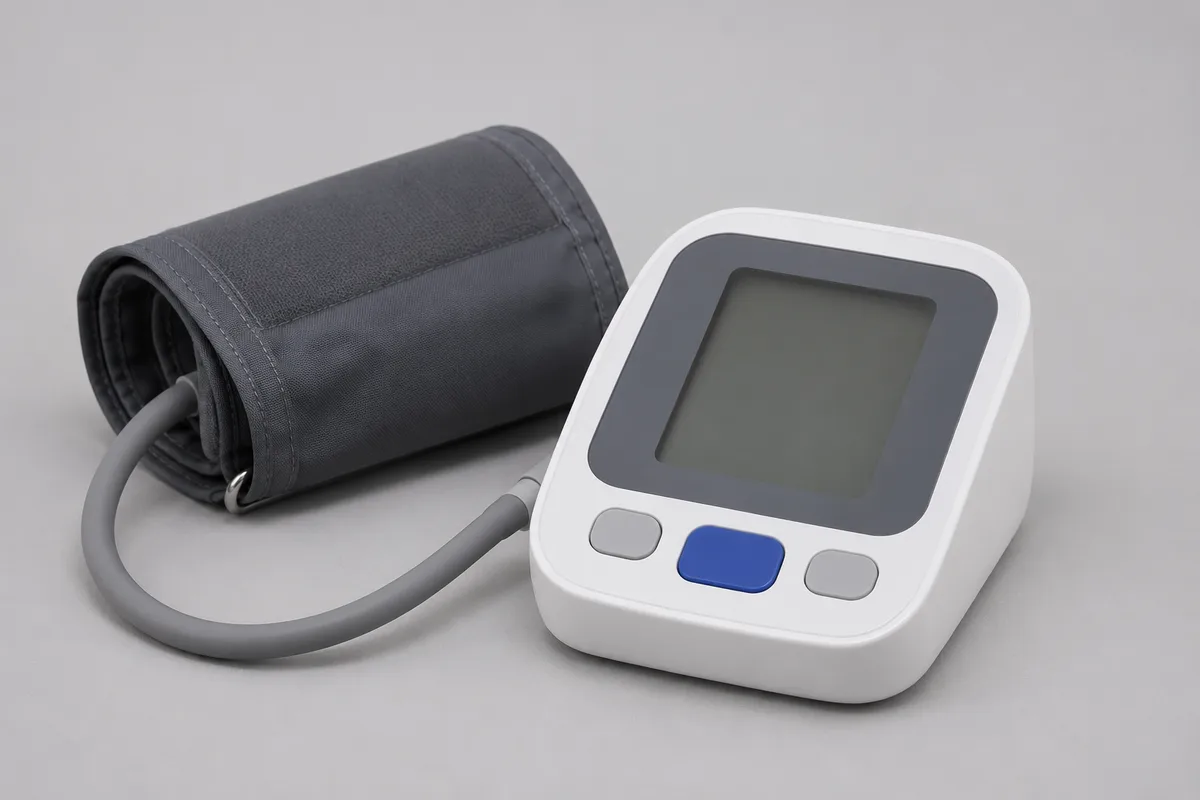
Send the monitor with the cuff, hose and connector used for the check. Note whether the unit was set for adult or paediatric use. If the problem appeared after a cuff change, mark the original cuff and the spare so that each result can be traced back to the right assembly.
For example, a leak check on the cuff circuit will answer a complaint that the cuff loses pressure. To investigate a pressure display or a response to a simulated pulse, request those comparisons by name. We can identify the cuff used for each result on the service record.
Specifications and service checks
If a display passes a static pressure check but the hospital's simulator runs give inconsistent readings, identify the simulator profile, hose and cuff used. A static comparison and a simulated cycle ask different questions of the same monitor.
- Range and configuration
- Cuff pressure is measured in mmHg. Checking the pressure channel and comparing an algorithm’s clinical performance answer two different questions.
- Manufacturers and models
- OMRON’s 5 Series includes upper-arm oscillometric monitors.
- What we check
- An approved bench setup can check static pressure indication and leakage where the instrument offers a service mode. Identify the cuff, tube and connector.
- Reference equipment and accuracy
- Use a calibrated low-pressure instrument with uncertainty suited to the permitted error. A simulator can check selected functions without supplying clinical validation.
- When to repeat the check
- Use the manufacturer’s inspection advice. Check again after a drop, cuff-hose replacement or evidence of leakage.
Technical references OMRON product reference