
On this page
Transducers, simulator channels and recorder output
List the installed channels, simulator functions and recorder outputs included in the maintenance schedule. Identify the cable and transducer used for each check. A dated printout or export can help tie a particular channel response to the monitor that produced it.
Where two monitors feed a central recorder, a trace heading alone may identify the bed rather than the particular unit. For workshop verification, retain the monitor and recorder identities beside an anonymised simulator trace. It gives biomedical engineering enough information to find a channel or recorder issue during the next review.
Fetal monitor modules and simulator requirements
State the indications and alarm records requested without including patient traces. Different channel types need different evidence. RTS tests the fitted fetal monitoring channels using the specified simulator and accessory configuration.
Specifications and service checks
A twin-channel workstation can store two traces under one equipment number. Use the channel labels and probe IDs when booking simulator checks so an engineer receiving the results can identify which signal path was exercised.
- Range and configuration
- A monitor may indicate heart rate and uterine activity on different channels. Identify the transducer and engineering quantity under test.
- Manufacturers and models
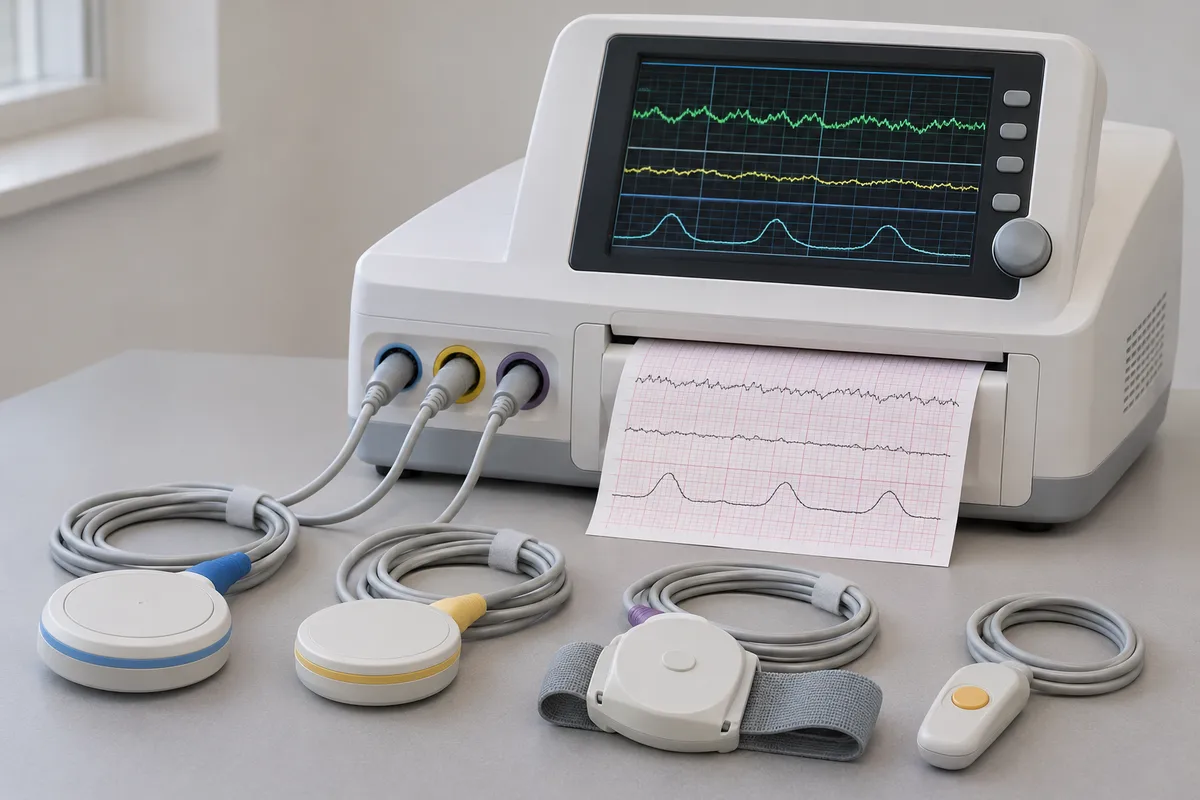
- Philips’ Avalon FM20 can be supplied with different transducers and monitoring options.
- What we check
- Use a compatible service simulator for the relevant channel and document whether its transducer and cable are included. Check the trace or digital output specified by the facility.
- Reference equipment and accuracy
- Select a calibrated signal or transducer simulator appropriate to the device configuration. State the limitations of an electrical input test where it bypasses a transducer.
- When to repeat the check
- Perform the checks specified after exchange of a transducer or module. Track each accessory separately on the service sheet.
Technical references Philips product reference