
On this page
Checking the panel or the complete load path
For a display marked in kN, a bench comparison can start with the electrical signal expected from the fitted cell. That result covers the indicator and its settings. If the question is what force the machine actually applies, the job also needs the load cell and its installation. Mark the input channel, excitation and any tare in use, particularly when several cells feed a single panel.
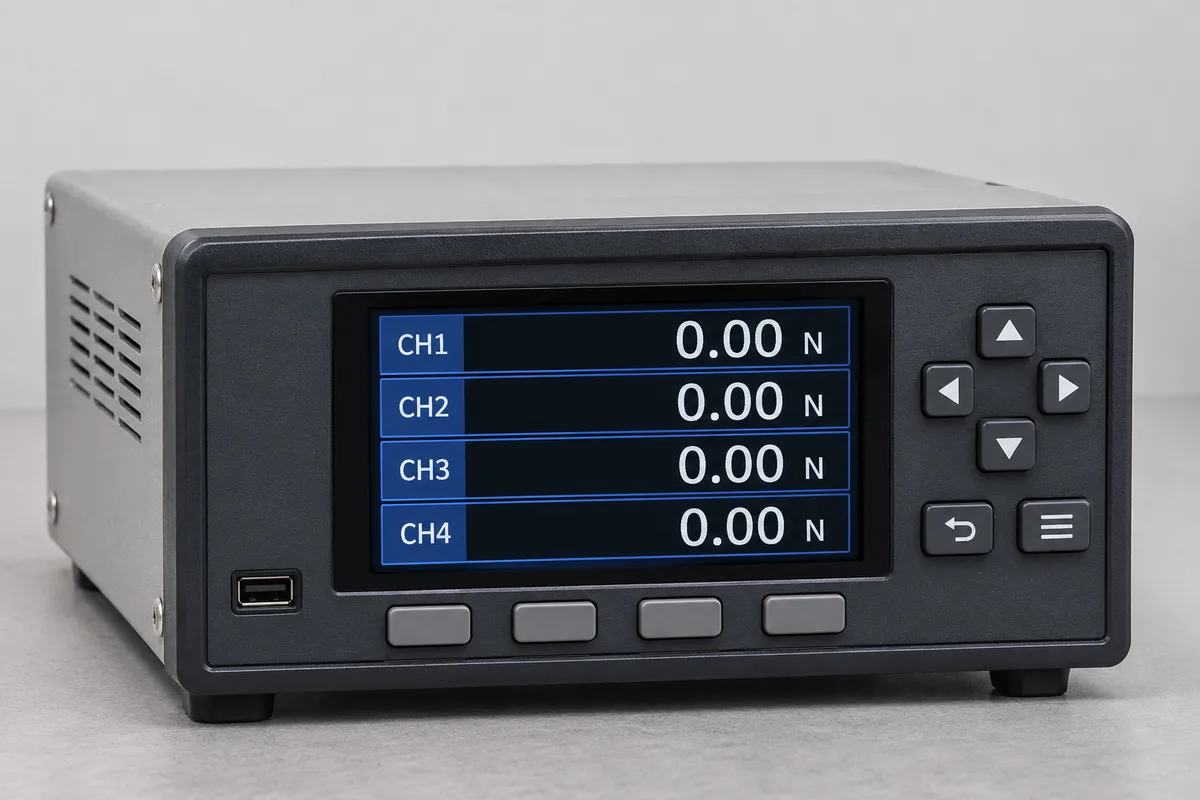
Force indicator and paired sensor
Say whether the request concerns the assembled force measurement or only the indicator's electrical response to an input. Those arrangements do not produce the same evidence. Keep any stored sensitivity or correction values traceable to the sensor used for the agreed result.
Specifications and service checks
On a 100 kN linear channel configured for 2 mV/V at full scale, 1 mV/V corresponds to 50 kN before any offset. An electrical comparison at this point exercises the display scaling without applying a physical 50 kN load.
- Range and configuration
- A display may take a strain-gauge signal in mV/V yet show N, kN or mass units. Give the configured span, bridge sensitivity and the displayed units.
- Manufacturers and models
- HBK ClipX is a measuring amplifier used with transducers. Include the output configuration when the value is sent to a PLC.
- What we check
- Apply traceable simulated bridge outputs for an electrical check. For a complete force chain, load the actual cell and compare the displayed force with an independent standard.
- Reference equipment and accuracy
- Use a calibrated bridge simulator for the input channel or a force reference for the assembled chain. Check excitation and the scale factor associated with each channel.
- When to repeat the check
- Recheck the scaling when a load cell is exchanged or settings are restored. Record a known input at intervals so that drift in the display can be isolated.
Technical references HBK Force indicator reference · HBK Certificate Samples
Load indicator
A load indicator can be checked by applying a known electrical input to the readout or by applying a known force through its load cell. Those two arrangements cover different parts of the measuring chain.
Copy the cell sensitivity and capacity, the indicator’s configured scale and its display unit. If the load cell stays fitted to a fixture, make clear whether your result must include that fixture and cell or only the indicator input and reading.
Some maintenance handsets retain peak load after a pressing cycle. Include a normal running value and a held peak if both are used to release parts. A static electrical comparison checks the indicated scale but does not show how quickly the peak-hold function catches a short load.
- Range and configuration
- A force display may show kN while the bridge output is in mV/V. Give the cell sensitivity, excitation voltage and programmed span so an electrical simulation can be related to the displayed load.
- Manufacturers and models
- Rice Lake 920i is a weighing indicator/controller for load-cell systems. Identify the particular load input and displayed unit.
- What we check
- A bridge simulator checks the indicator electronics. Where the result must include the load cell and structure, specify an applied force or applied mass comparison of the full system.
- Reference equipment and accuracy
- Use a traceable bridge simulator for ratio input. For a complete installation use calibrated weights or a reference force transducer of suitable uncertainty.
- When to repeat the check
- Review after changing excitation, scaling, the load cell or the mechanical mounting. Keep results for electronics-only checks identifiable.
Technical references 920i Programmable Indicator/Controller Technical Manual