
On this page
Which saved measurement routine is used?
Open the saved routine used for the job and note which measurements it calls up. Give the input levels, frequencies and analysis bandwidth. If the routine relies on an external frequency reference or uses the preamplifier, include those settings so the comparison uses the same signal path.
A noise measurement obtained with a narrower resolution bandwidth may read lower even when the source is unchanged. Preserve the detector, bandwidth and processing settings with a stored trace before comparing it with an acceptance value from another setup.
Specifications and service checks
If two scans of a stable carrier show different nearby spurs, retain the input attenuation and preamplifier settings. The analyzer’s own response can change with input level, so a screen showing the trace alone may omit the setting that explains the change.
- Range and configuration
- Specify centre frequencies, amplitude levels, bandwidths and whether vector modulation is required. The span on the screen is a different setting from the analysis bandwidth.
- Manufacturers and models
- Rohde & Schwarz FPL1000 is a spectrum analyser family with optional signal analysis. List the installed options for any I/Q measurements.
- What we check
- Compare displayed frequency and amplitude, then check relevant functions such as bandwidth, linearity or modulation error with an appropriate test signal.
- Reference equipment and accuracy
- Use a calibrated RF source, amplitude reference and independent frequency standard. A vector check also needs a signal with characterised modulation quality.
- When to repeat the check
- Review after RF input overload, attenuator repairs or a sustained rise in the displayed noise floor.
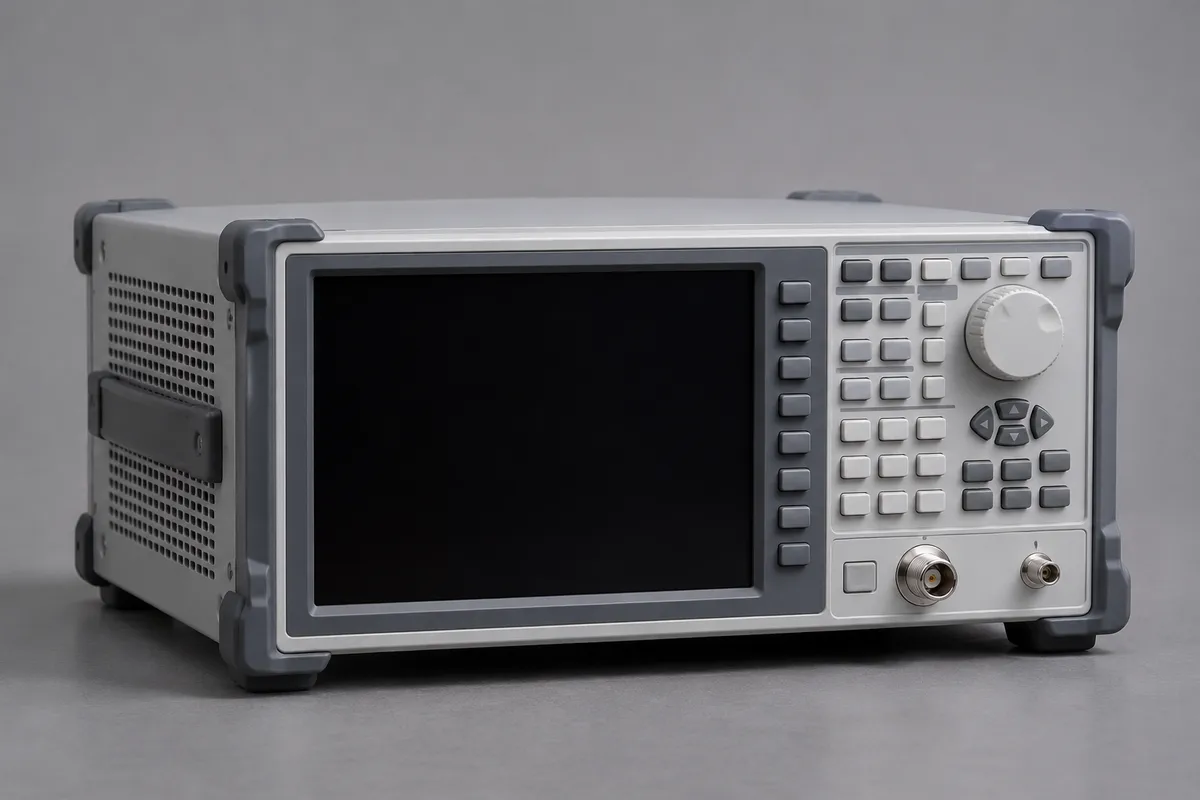
Technical references FPL Spectrum analyzer