
On this page
The recorder input and its chart scale
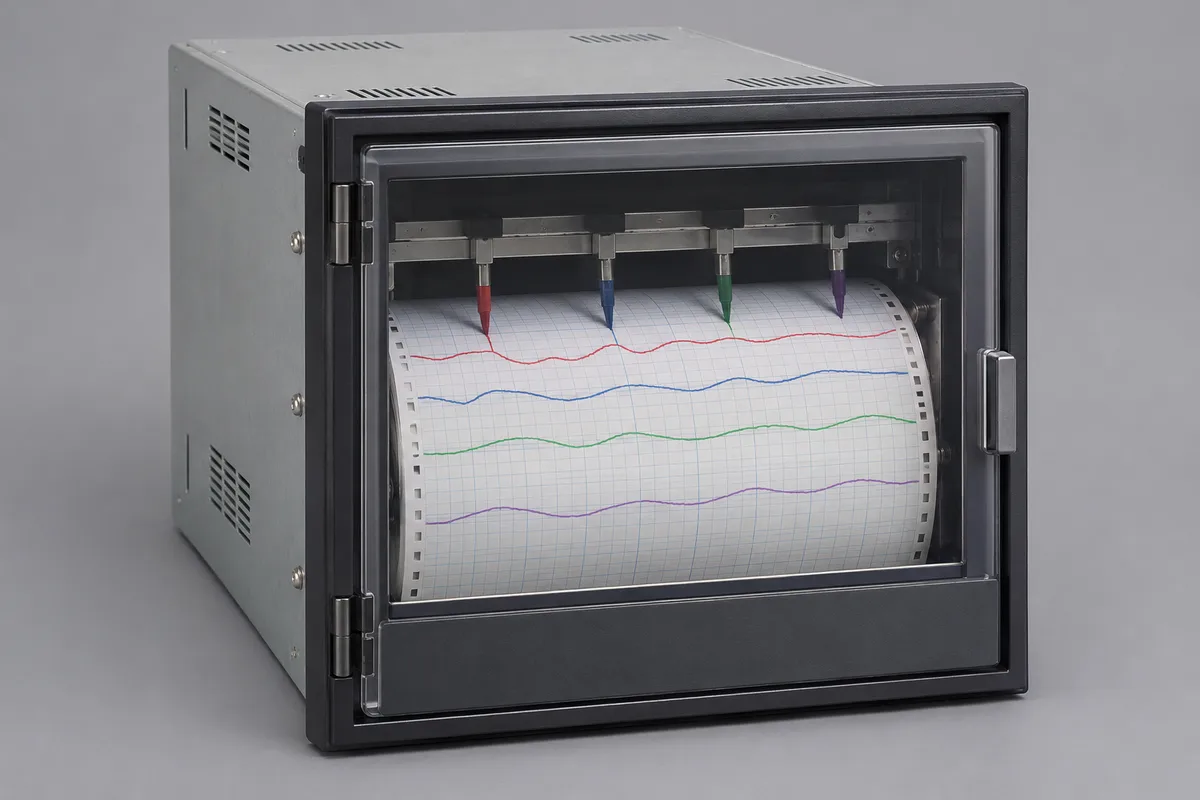
For electronic records, name the exported column and its units. For a pen recorder, provide the paper scale and chart speed. Keeping these details with the comparison makes it possible to match a reading to its place in the production record.
A paper chart marked 0–100 °C cannot be interpreted correctly if the recorder input is configured for 0–200 °C. Include the chart part number or a scan of a used chart with the order when the concern is a historical trace rather than a current display.
Specifications and service checks
A run sheet can quote a rounded display while the instrument file retains an extra decimal place. If the two appear to differ, keep one screen reading and its matching exported row with their timestamps. The reviewer can compare the same instant at the available resolutions.
- Range and configuration
- The input card determines which thermocouples, resistance sensors or voltage ranges a channel accepts. One instrument can have several different channel configurations.
- Manufacturers and models
- Keysight’s DAQ970A and Yokogawa’s GX-series recorders are examples of configurable multichannel equipment.
- What we check
- Apply traceable signals to the configured inputs and compare the stored temperatures, including the channel number. With probes attached, a temperature comparison covers the complete chain.
- Reference equipment and accuracy
- Use a calibrated resistance or thermocouple source for the recorder and a reference thermometer for the assembled probe. For thermocouples include the reference junction.
- When to repeat the check
- Keep recall records by channel. When an input card or probe is replaced, revisit the affected channels and any correction stored against them.
Technical references Keysight DAQ970A and DAQ973A manual · Yokogawa GX and GP recorder manual