
On this page
The sensor and its simulator connection
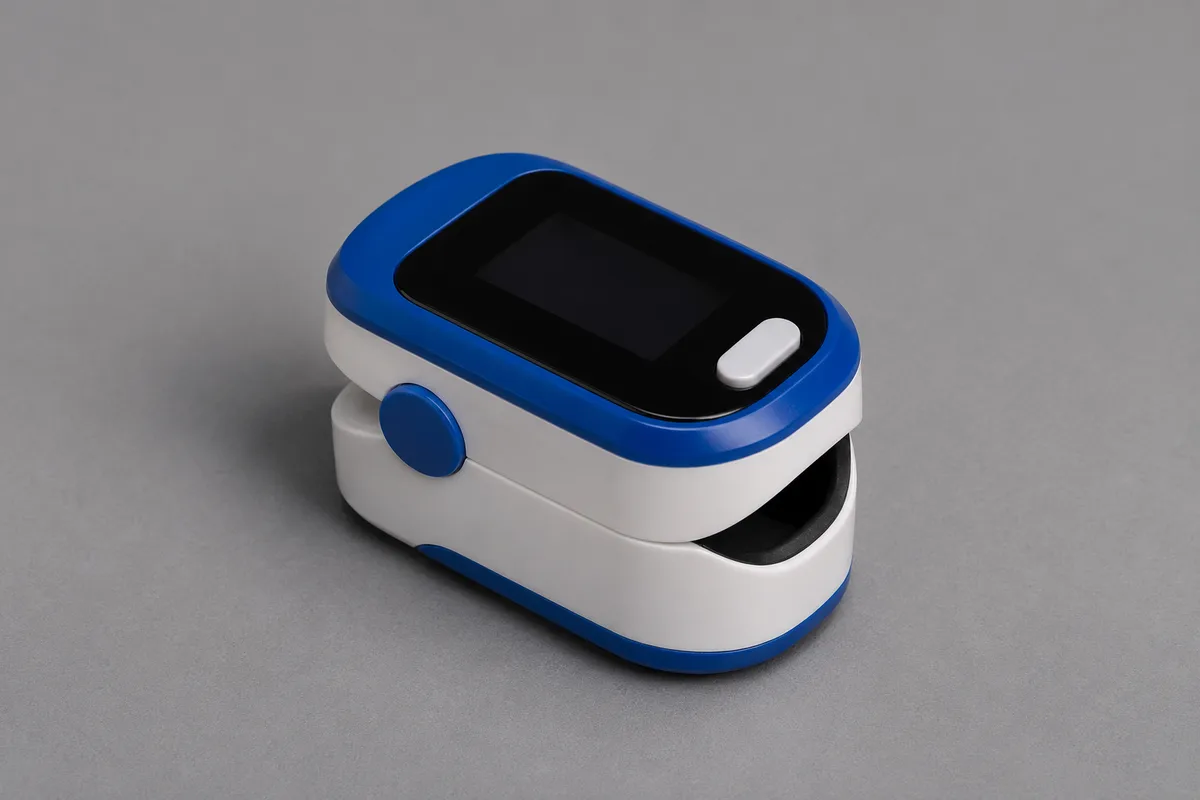
State whether the unit is a fingertip device, a handheld instrument with a detachable sensor or a module in a bedside monitor. If spare probes are part of the job, identify them individually. Results from a simulator check describe the instrument’s response to that test.
Pulse oximeter simulator compatibility
The enquiry must identify the compatible simulator and test procedure, since a simulator response is not the same as an independent clinical accuracy study. Give the required bench points and reporting fields for review. The department remains responsible for deciding what evidence permits return to service.
Specifications and service checks
The probe and extension cable may share a connector with accessories from another department. Identify the assembly used with the compatible simulator and retain its configuration with the bench record. That lets engineering follow an intermittent observation.
- Range and configuration
- The displayed SpO₂ span and the interval over which the manufacturer specifies accuracy are separate figures. Identify the model and units for each display.
- Manufacturers and models
- Nonin’s Onyx Vantage 9590 is a finger pulse oximeter with a pulse-rate and saturation display. Masimo’s Pronto is another spot-check instrument with its own sensor and specifications.
- What we check
- A compatible optical simulator can check response at selected simulated values and pulse rates. Record the simulator’s optical profile with the results.
- Reference equipment and accuracy
- Use a checked simulator with a stated device compatibility and calibration status. A simulated response check does not establish accuracy on patients.
- When to repeat the check
- Follow the manufacturer’s inspection instructions and reassess after sensor damage or an unexpected response. Keep the simulator profile with earlier results.
Technical references Nonin product reference · Masimo product reference