
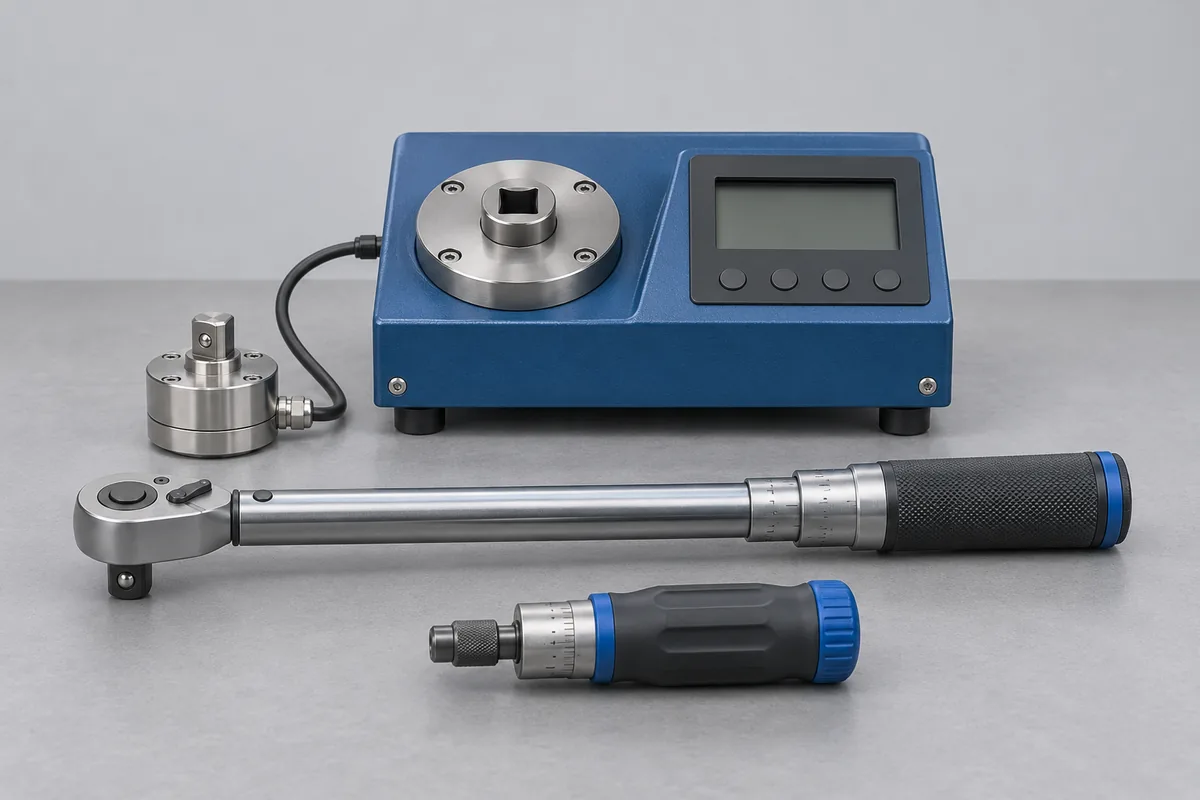
Record the working settings
For a hand driver, say whether it is preset, adjustable or indicating. Copy the torque and unit as written, especially for settings in N·cm or cN·m. If release is required in both directions, specify the settings used in each direction.
Identify the drive interface
Send the model, drive or hex size, and a photo of any unusual bit holder. Note a slipping clutch or damaged holder separately. A repair or change to a preset setting needs its own instruction, particularly if you need the incoming result recorded first.
Two fasteners, two settings
One driver might close a housing using one setting and secure a terminal cover using another. Put both settings and their units on the request, even if the driver spends most of the shift on the lower value. Mark the direction of use and whether the operator may adjust it or the setting is locked.
A worn bit may damage a screw despite the driver releasing normally. If this prompted the enquiry, describe the bit, holder and observed symptom separately from the torque setting. The team can quote the driver measurement and discuss what happens to the accessory.
Release drivers by workstation
Group the drivers by workstation and mark which have spares. If tools must return in separate batches, list those batches before dispatch. Identify special bits and holders that belong to a particular station so the returned driver can be reunited with its working accessories.