
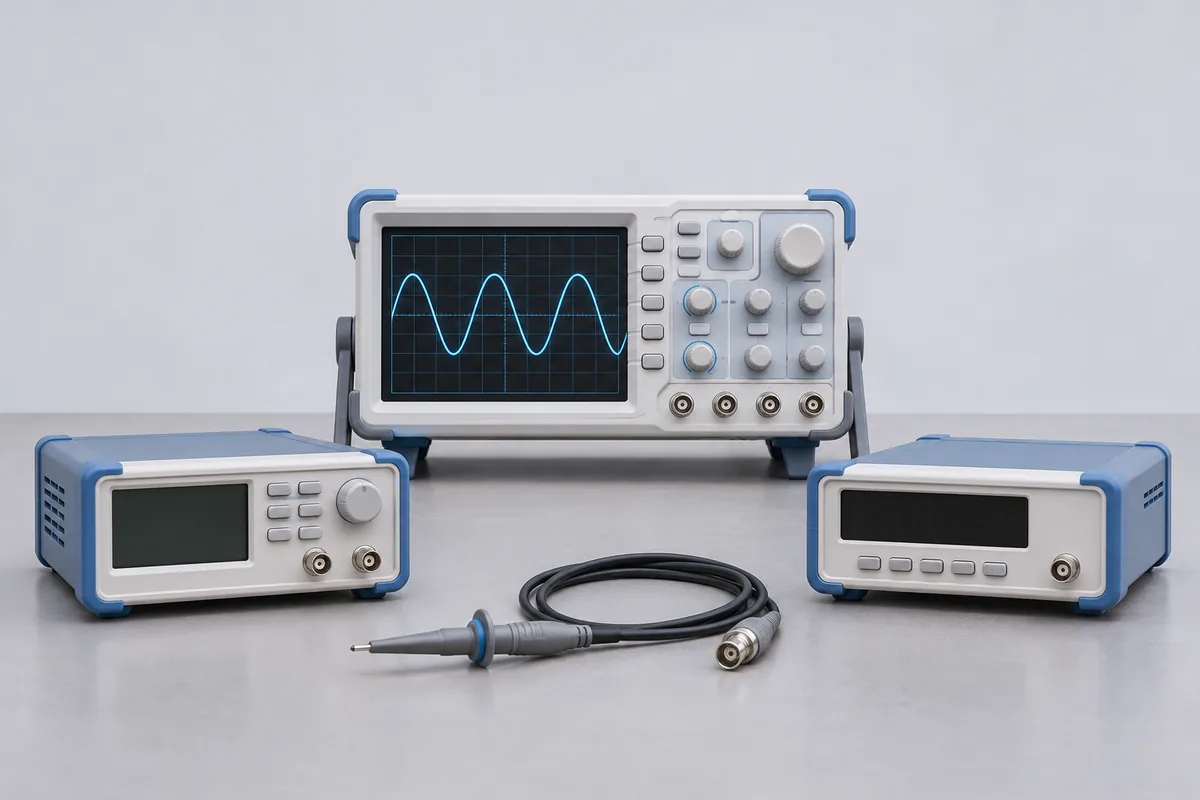
Identify channels and functions
Send the oscilloscope model, fitted options and marked bandwidth. Describe the vertical ranges and time settings your procedure uses. For a frequency-response request, include the frequencies of interest and the input termination. RTS can then confirm which checks can be quoted for your configuration.
A result for the probe and channel together
Put the probe identifier beside the channel and attenuation setting used for the measurement. A passive voltage probe, an active differential probe and a current probe bring different functions into the enquiry. Identify any separate amplifier or power unit and say whether the required result is at the probe tip or the oscilloscope input.
If the same probe moves between channels, tell RTS which pairings your procedure uses. A change of probe or input setting can affect the measurement system. Send the frequencies and amplitudes required by your work instruction so the proposed checks can be reviewed. Ask how each pairing will be identified on the report, especially where the probe belongs to a shared stores kit.
Keep benches usable during calibration
When a bench has just one compatible probe, mark the scope and probe as a pair on the release list. Nominate the person who will receive and reunite the accessories with the bench.